
Inside a venture application form, questions come in two colors. Knowing the difference lets you populate venture profiles automatically — a small detail that saves a lot of re-typing later.
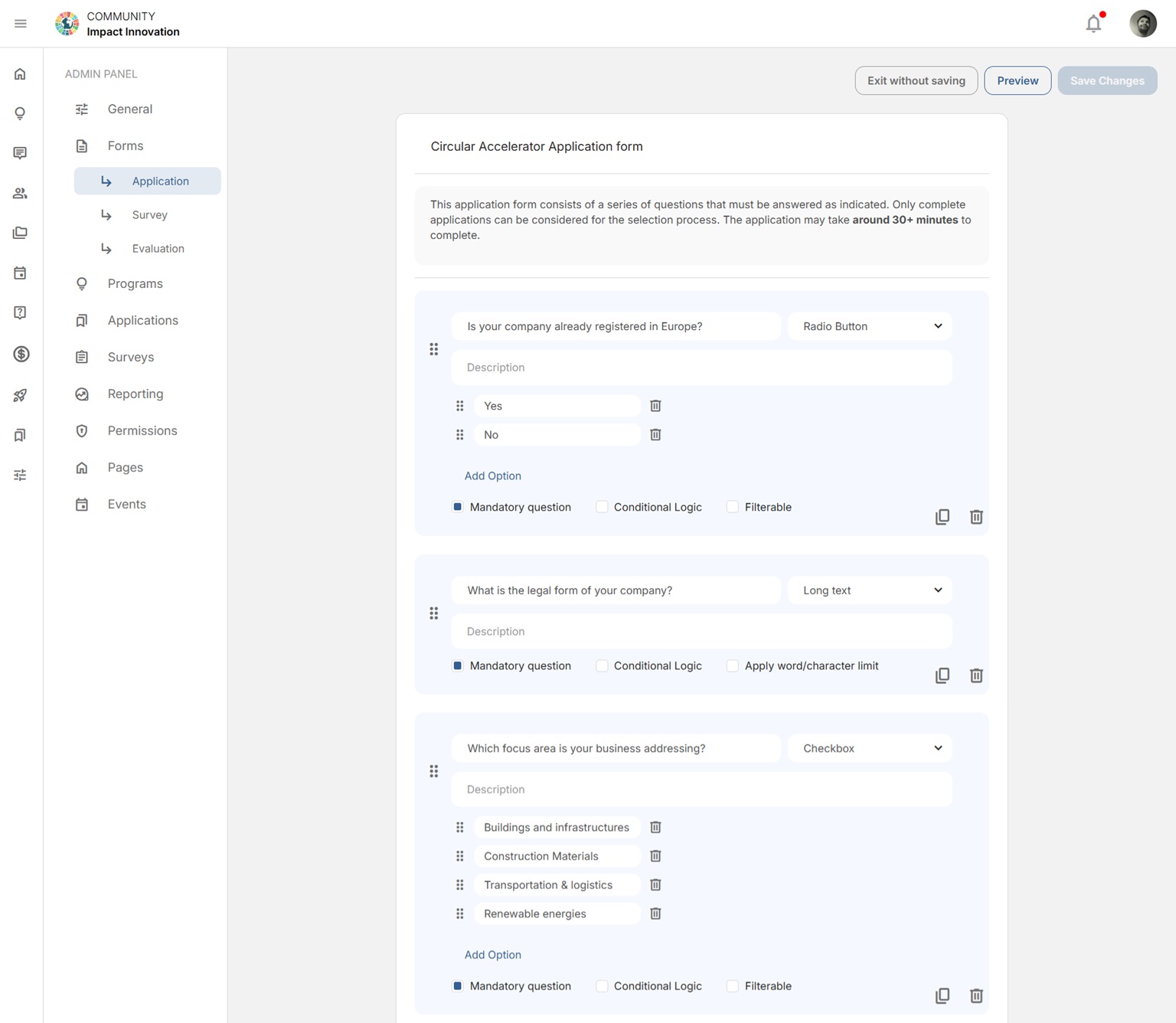
🟡 Yellow — key venture questions #
Yellow questions map directly to standard fields on the venture profile. Use the “List of key Company questions” dropdown at the top of the form to choose which profile fields to collect — for example Company Title, Short Description, or Country. When an applicant is accepted, their answers to these questions are carried automatically into their new venture profile.
🔵 Blue — custom questions #
Blue questions are the ones you write yourself (for example, “What is the vision of your startup?”). They’re captured for review and selection, but they stay with the application — they aren’t pushed to the venture profile.
This color-coding appears only on venture/startup application forms. A form with no key questions selected will show every question in blue.
Related: Creating an application · How an accepted application becomes a venture profile.


