
Your profile is how others in the program see you — so it’s worth keeping current.
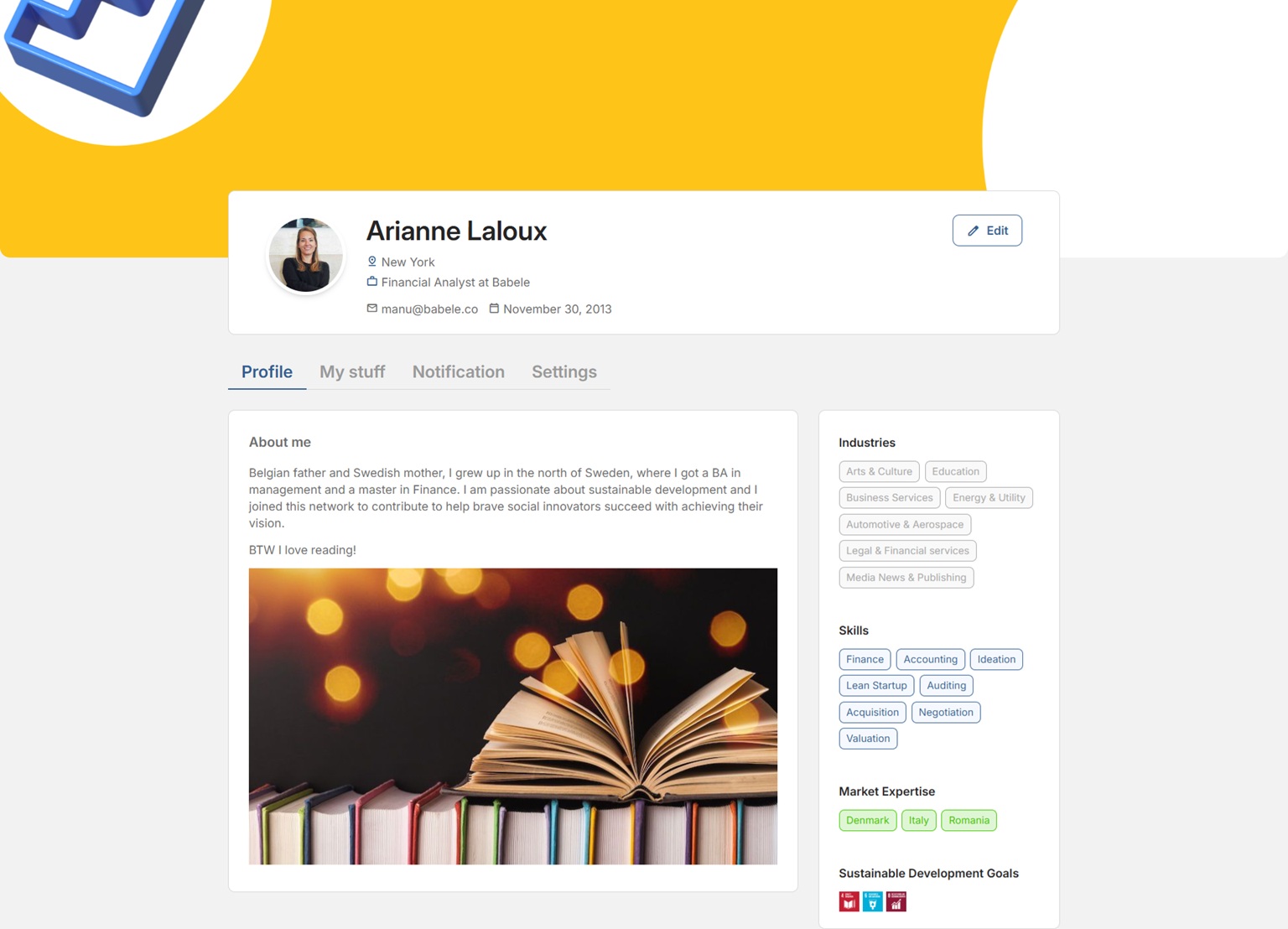
1. Open your profile #
Click your avatar (top-right) → Profile.
2. Edit your details #
On the Profile tab, update your photo, name, title, location, bio and areas of expertise.
3. Save #
Save your changes.
Why it matters. A complete profile helps the platform match you well — the right experts to a venture, or the right ventures to a mentor.
Related: Managing your notifications · Syncing your calendar.


