
Evaluation is set up per round, so each stage of selection can have its own reviewers and criteria. Here’s how to build one.
1. Turn on evaluation for the round #
Open the application and, in the relevant round, choose a round type that includes evaluation. Then pick the evaluation type and use Choose your evaluators to assign who reviews this round.
2. Define your criteria #
Add the criteria reviewers will score against — for example Coherence of the proposal, Innovation, Sustainability, Business model or Team. Clear, specific criteria lead to more consistent scoring.
3. Weight each criterion #
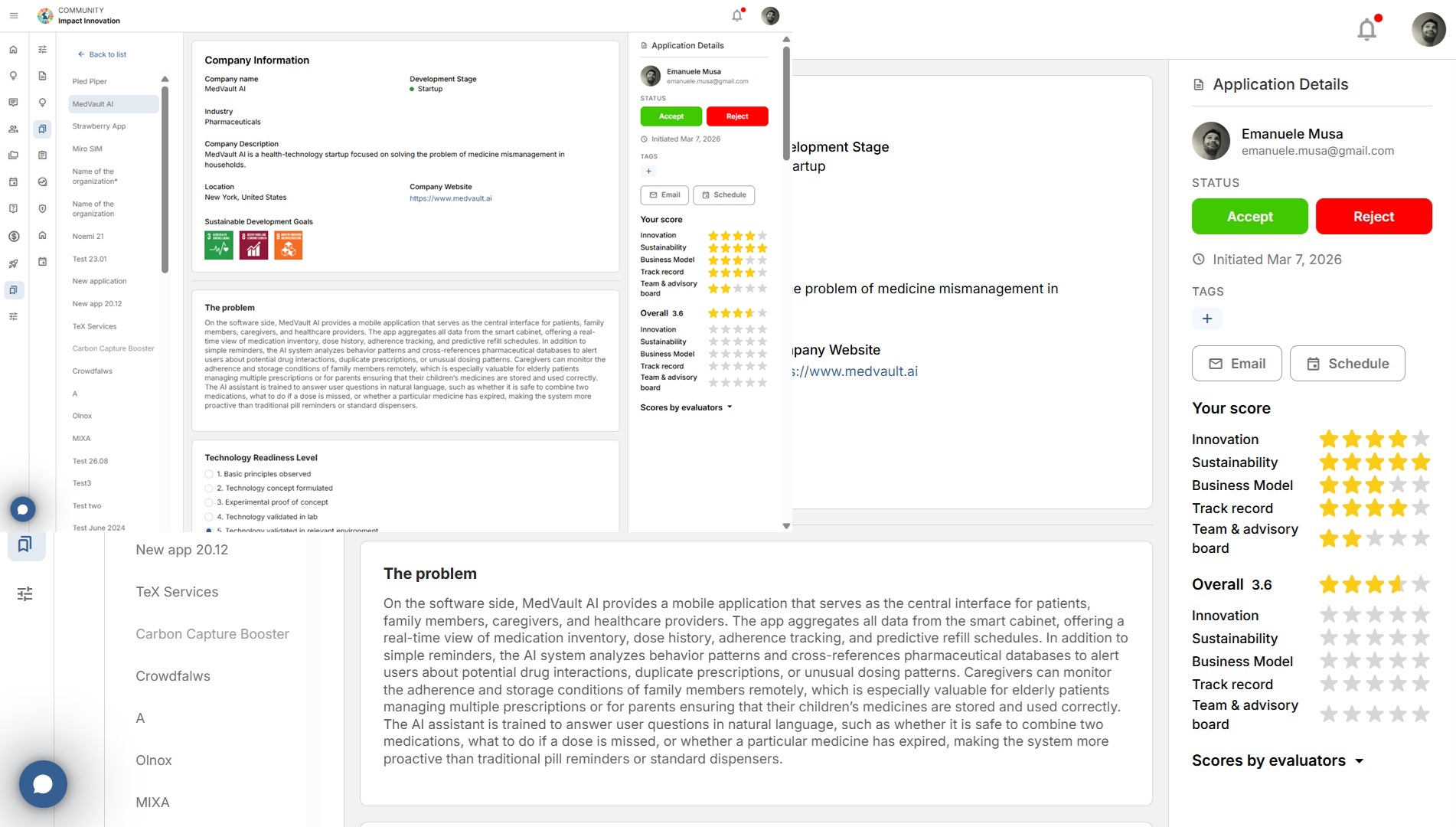
Give each criterion a weight to reflect its importance. Reviewers score each one with stars, and Babele calculates a weighted Overall automatically.
4. Set the evaluator rules #
In Application Settings, choose the evaluator assignment mode (all evaluators see all applications, or only the ones assigned to them) and whether evaluators may view other rounds’ evaluations.
Related: Choosing evaluators and the assignment mode · How to score an application.


